About LoveMyFiles
LoveMyFiles is run by Suraj Singh and provides tools for PDF documents, images, QR codes and photo collages.
Practical document work should be understandable: know what the tool is doing, see the result, and keep control of your files and account.

What LoveMyFiles is for
LoveMyFiles is an independent website for everyday file tasks: combining PDFs, preparing images for uploads, making photo collages and creating QR codes. You can browse the tools without an account and choose the operation that fits your file.
For example, [merge related PDFs](/en/tools/merge-pdf) into one document, [resize a photo](/en/image-tools/resize-image) to the dimensions a form requires, or [create a collage](/en/photo-collage-maker) from several pictures. The [PDF tools directory](/en/pdf-tools) and [image tools directory](/en/image-tools) group these tasks in one place.
Choose an operation, not just an upload button
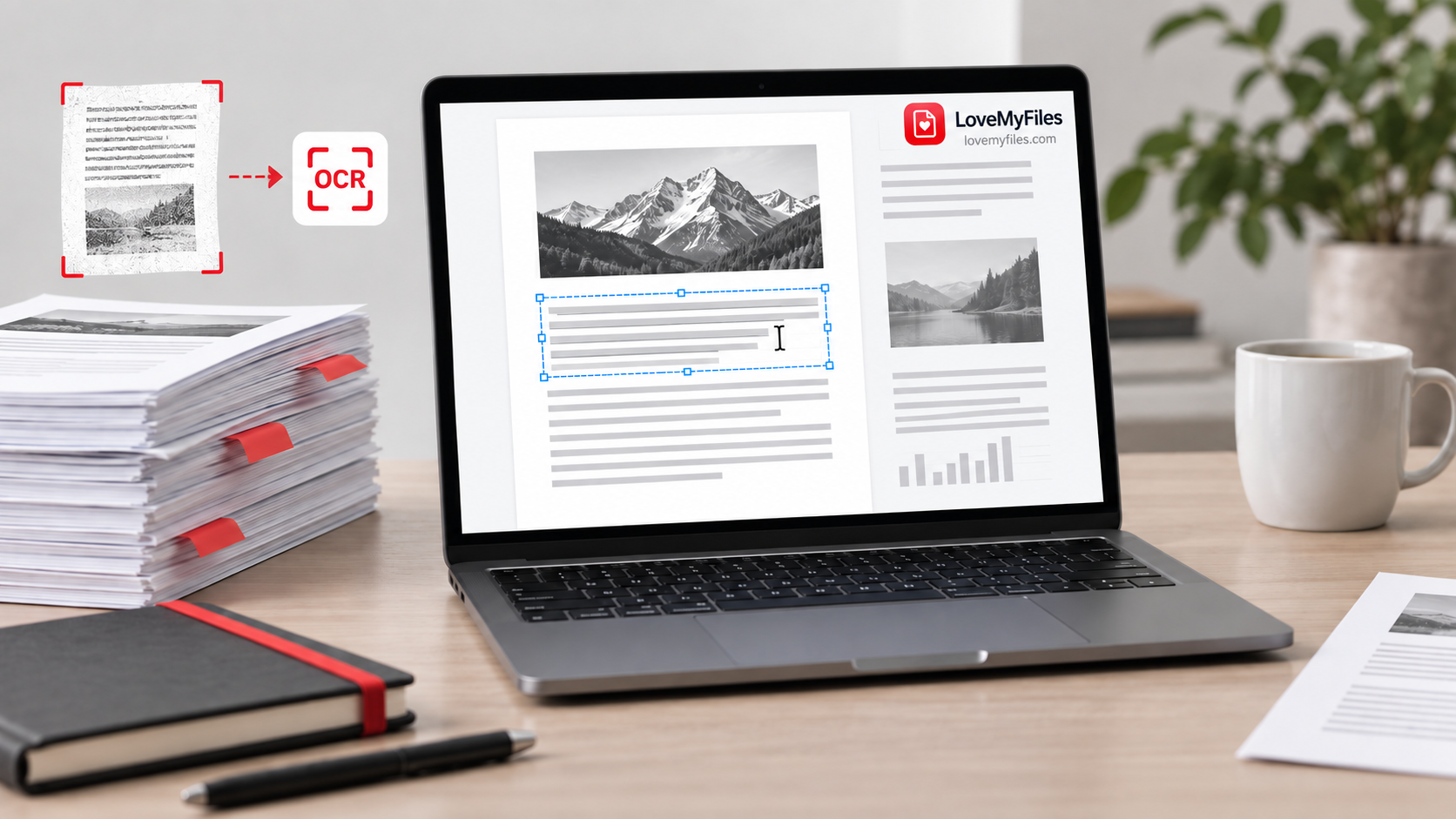
Different tasks need different checks. Compression reduces file weight; resizing changes pixel dimensions. OCR recognises words in scanned pages; it does not verify names or amounts. PDF conversion reconstructs another file format and may change layout.
The tool pages explain the available settings and limitations. Keep your original and open the downloaded result before relying on it. If an image must meet a portal's requirements, test the final file in that portal rather than assuming a size setting guarantees acceptance.
Accounts and file handling
Guests and signed-in members can use available tools within their usage limits. An account provides access to its processing history, credits and profile controls.
Some image operations run in the browser; PDF processing and certain image conversions use the server. File handling differs by workflow. Read the relevant tool page and [Privacy Policy](/en/privacy) before selecting a file that needs particular care. LoveMyFiles is not a permanent backup service: keep your own copies and download completed work promptly.
Guides and support
The [guides](/en/blog) explain file-format choices, upload problems and ways to check a result. They are intended to help you finish a task, not to promise perfect conversion or replace the destination's requirements.
If something fails, use the [contact form](/en/contact#contact-form). Include the tool URL, file format, browser and what happened. Do not send passwords or confidential document contents in the message.