Cannot Copy Text from a PDF? Check the Cause Before Using OCR
Distinguish scanned pages, extraction problems and copy restrictions. Choose OCR or Word conversion carefully and verify names, numbers and reading order.
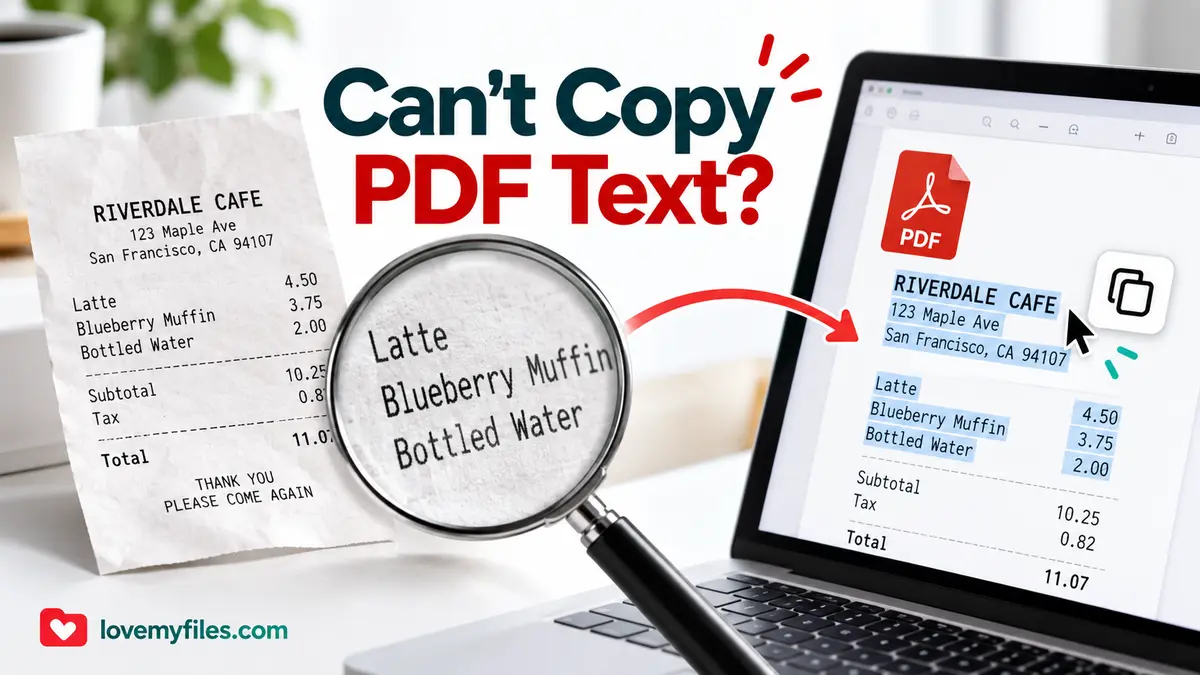
If you can read a PDF but cannot copy its words, first check whether those words are actual text or part of a scanned image. OCR can recognise text in a scan, but it is not the right solution for every copying problem. The source file, its permissions and the way its text was encoded all affect the next step.
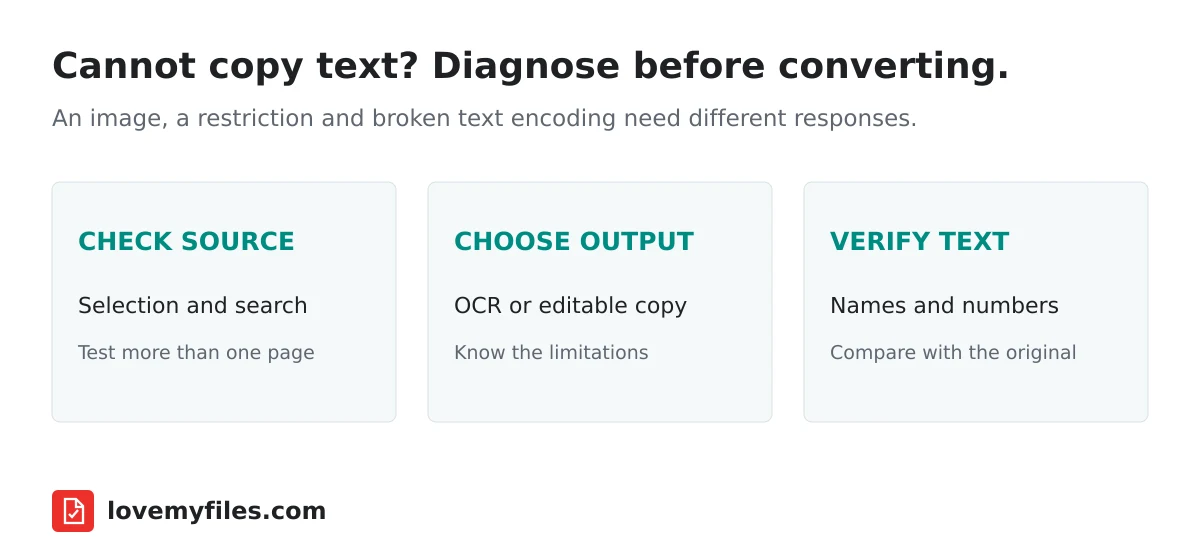
Try selection and search separately
Open the PDF in a normal viewer. Try selecting a single word, then search for a distinctive word you can see on the page. Repeat on a second page. Some documents mix ordinary text with scanned pages, so one successful selection does not describe the entire file.
If neither selection nor search finds visible words, the page may contain only an image. If selection works but the pasted result is garbled, the problem may instead involve font encoding or reading order. If the viewer explicitly reports a copying restriction, investigate permissions rather than assuming the document needs OCR.
Testing these separately prevents wasted work. Recognising a scan, recovering correct reading order and obtaining permission to copy a protected document are different tasks.
Understand what a scanned page contains
A scanner or camera records shapes, not verified characters. The visible word on the page may therefore be no different from the photograph beside it as far as text selection is concerned. OCR estimates characters from those shapes and produces text that needs checking.
Adobe's explanation of scan recognition distinguishes recognising scanned content from ordinary PDF text. This is the reason an image-only document can look perfectly readable while a search returns nothing.
Good source quality matters. Blurry letters, shadows, curved pages and text photographed at an angle make recognition harder. Increasing the resolution of an already blurred image does not restore missing detail. Rescanning a page clearly can be more effective than repeating the same extraction.
Choose the output you actually need
For words you intend to review and reuse, start with the text output of LoveMyFiles OCR PDF. The current OCR engine recognises English using locally installed Tesseract language data. Do not assume that the existence of translated interface pages means this engine recognises every language.
The engine renders document pages for recognition on the LoveMyFiles server. This is not a browser-only operation and does not use an external file-processing API. Its extracted text is an interpretation of the page, not a verified transcription.
Plain text will not recreate the original page design. Tables may lose their columns, headings can blend into paragraphs and a two-column page can have unexpected reading order. Review the structure before pasting the text into another document.
If your goal is to edit a document rather than retrieve its words, PDF to Word is a separate workflow. Conversion can reconstruct an editable file, but exact fonts and complex layouts should not be assumed to survive unchanged.
Check permissions before trying another tool
A password requirement or copying restriction is not evidence of an image-only page. Ask the owner for an authorised source or editable version when appropriate. Neither OCR nor conversion establishes permission to reproduce somebody else's material.
For your own documents, returning to the office file that created the PDF is often the cleanest route. Copying from a source document avoids reconstructing text and tables from their final page appearance. Keep the original PDF unchanged while testing any extraction method.
Verify the details that cause real mistakes
Check names, dates, monetary amounts and identifiers against the page image. Similar-looking characters such as zero and the letter O, or one and a lowercase l, deserve particular attention. A paragraph that reads naturally can still contain a wrong account number.
For tables, compare rows and columns rather than reading the extracted text as a single passage. A recognised amount placed beside the wrong item can be more misleading than a visibly missing word. Do not import OCR output into accounting records without checking it.
If the document is long, check representative pages and all critical values. Keep a reference to the original page so corrections can be traced. OCR is useful for reducing retyping, not for transferring responsibility for accuracy to a tool.
When to stop and request a better source
If repeated extraction produces the same broken characters, change the source rather than repeatedly running the same file. Ask for a clearer scan, an unlocked authorised copy or the original editable document. For a few important values, careful manual transcription with a second check may be more dependable than a poor automatic result.
Before sharing extracted text, inspect it for private details. Removing PDF metadata does not remove names or addresses appearing in the extracted content. Select only the information the recipient should receive.
Does a readable PDF always contain selectable text?
No. A page image can be readable to a person without containing a text layer.
Does OCR preserve tables as a spreadsheet?
Plain-text extraction does not promise spreadsheet structure. Check values and use an appropriate conversion workflow if tabular output is required.
Why can one page copy correctly and another fail?
A PDF can combine text-based pages and scans. Diagnose the affected pages rather than treating the file as uniform.
Try a related tool
Convert scanned PDF pages into searchable text with OCR, or extract recognized text for review and reuse.
OCR PDF Online - Make Scanned PDFs SearchableRelated Guides

How to Edit a PDF Without Losing Formatting: A Practical 2026 Guide
Learn how to edit text and scanned PDFs while protecting layout, fonts, images and document quality with a practical workflow.
How to Remove PDF Metadata Before Sharing a Document
Inspect and remove PDF document properties, understand signed-file limitations, and check the downloaded copy without confusing metadata removal with redaction.

Build an Event Sharing Kit with PDFs, Images, Short Links and QR
Prepare an event PDF, screen images, a managed link and a printable QR. Check privacy, file quality and the complete visitor journey before sharing.

Organise Scanned Receipts and Documents into a Usable Sharing Copy
Prepare clear document images, group related PDFs, extract text when appropriate and check privacy without treating OCR output as verified financial data.