Organise Scanned Receipts and Documents into a Usable Sharing Copy
Prepare clear document images, group related PDFs, extract text when appropriate and check privacy without treating OCR output as verified financial data.
Read guidePractical guides for PDFs, images, QR codes, links and everyday file tasks.

Prepare clear document images, group related PDFs, extract text when appropriate and check privacy without treating OCR output as verified financial data.
Read guide

Separate campaign source, medium and name. Build consistent tagged destinations, check short-link redirects and avoid putting personal information in URLs.
Read guide
Create a guest Wi-Fi QR with supported network settings, understand exposed credentials and test joining the network before distributing the code.
Read guide
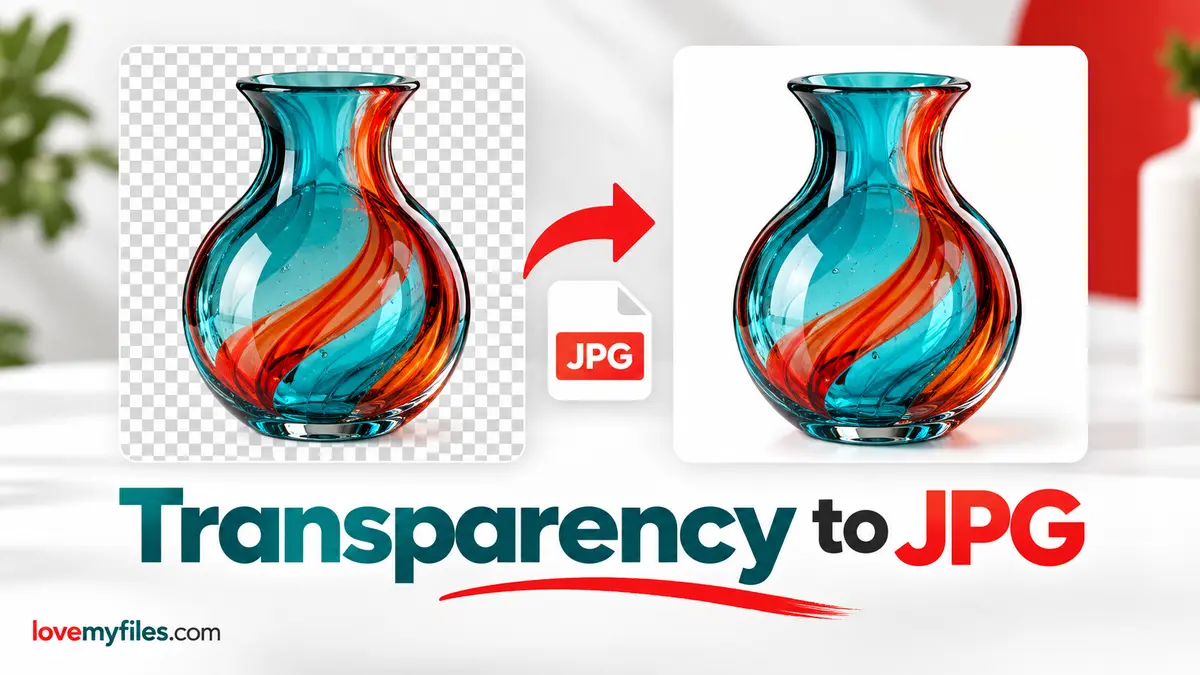
Choose PNG, WebP or a flattened JPEG for transparent artwork. Set the JPG background in LoveMyFiles and inspect edges, lettering and the downloaded copy.
Read guide
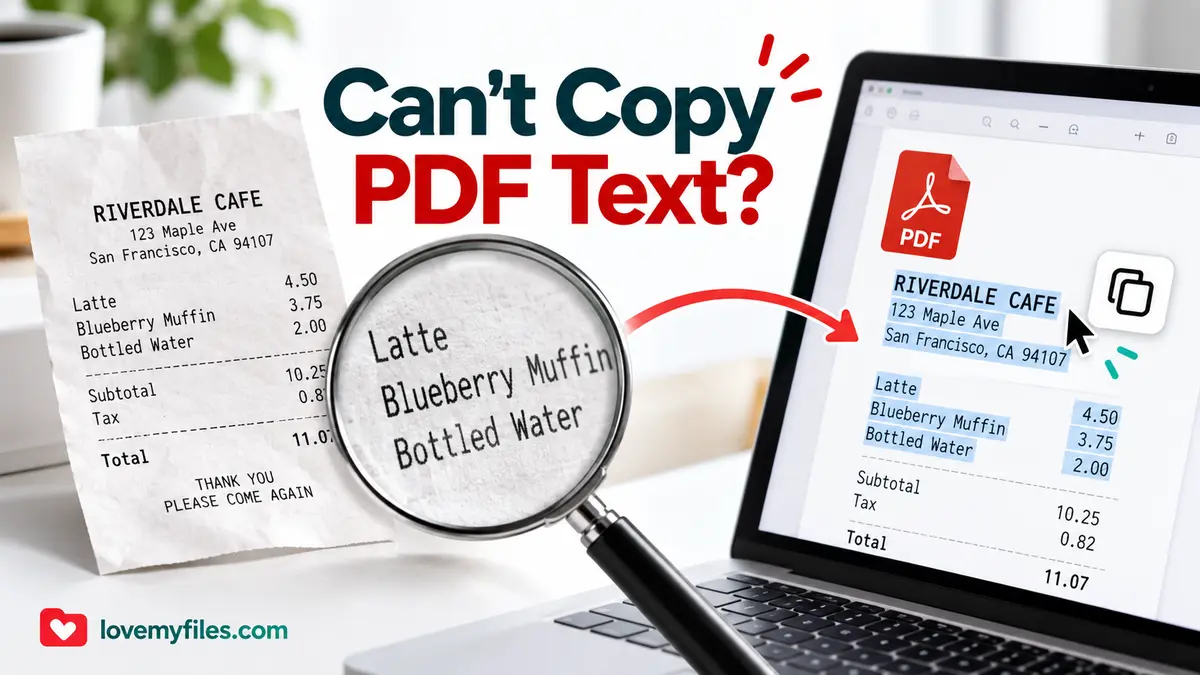
Distinguish scanned pages, extraction problems and copy restrictions. Choose OCR or Word conversion carefully and verify names, numbers and reading order.
Read guide
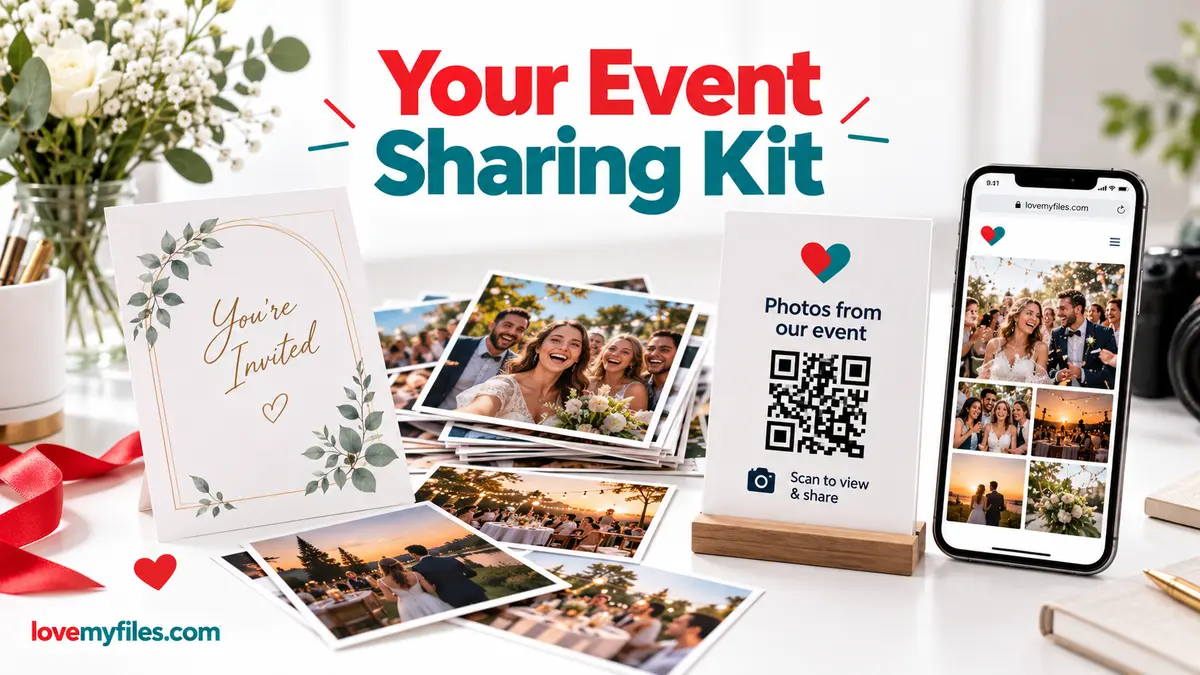
Prepare an event PDF, screen images, a managed link and a printable QR. Check privacy, file quality and the complete visitor journey before sharing.
Read guide
Investigate short-link clicks versus website visits by checking dates, metrics, redirects, campaign parameters and destination changes without guessing the cause.
Read guide
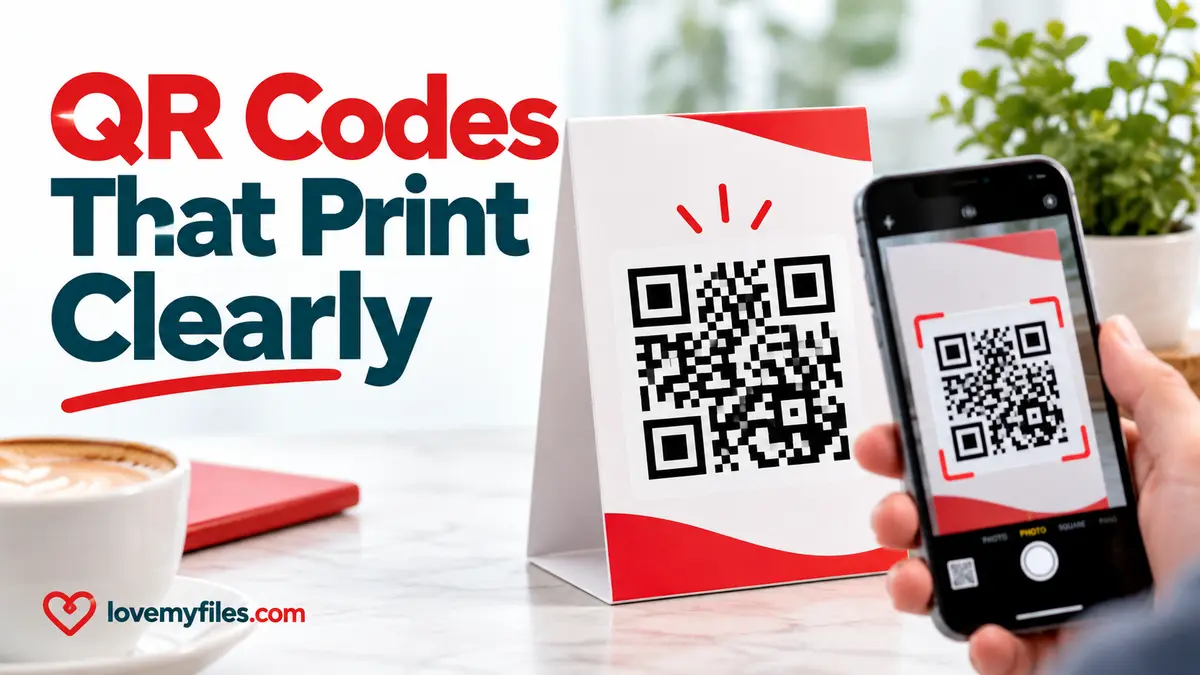
Prepare a QR code for print: verify the destination, preserve its clear margin, choose an export and scan a proof at the final size before distributing it.
Read guide
Prepare a lighter sharing copy of large JPEG artwork. Understand pixel limits, colour conversion, target size and why you should keep the print master.
Read guide
Inspect and remove PDF document properties, understand signed-file limitations, and check the downloaded copy without confusing metadata removal with redaction.
Read guide
Inspect photo location fields, choose GPS or selected-category removal, and check the downloaded copy before sharing it.
Read guide
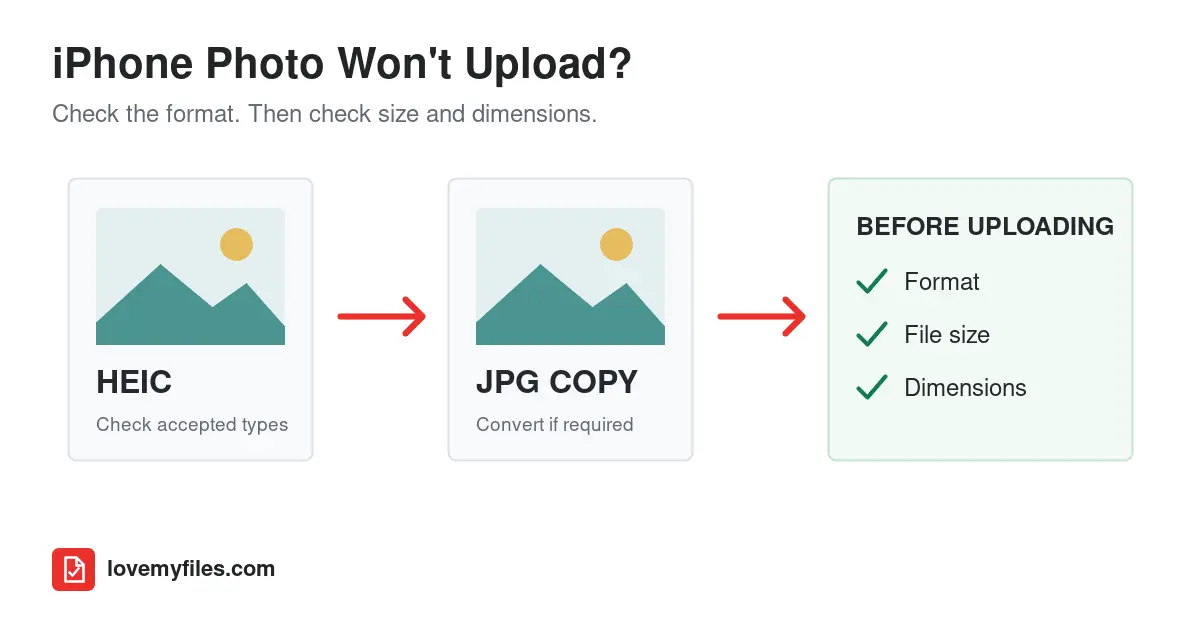
If a form rejects your iPhone photo, check its accepted formats, file size and pixel dimensions. Convert HEIC only when needed, then compress or resize the compatible copy and reopen it before uploading.
Read guide