Organise Scanned Receipts and Documents into a Usable Sharing Copy
Prepare clear document images, group related PDFs, extract text when appropriate and check privacy without treating OCR output as verified financial data.

Prepare scanned receipts and documents in two layers: a readable reference copy and, when useful, extracted text that you verify. Combining pages into one PDF can make sharing easier, but it does not validate amounts, correct dates or turn a folder of scans into an accounting system.
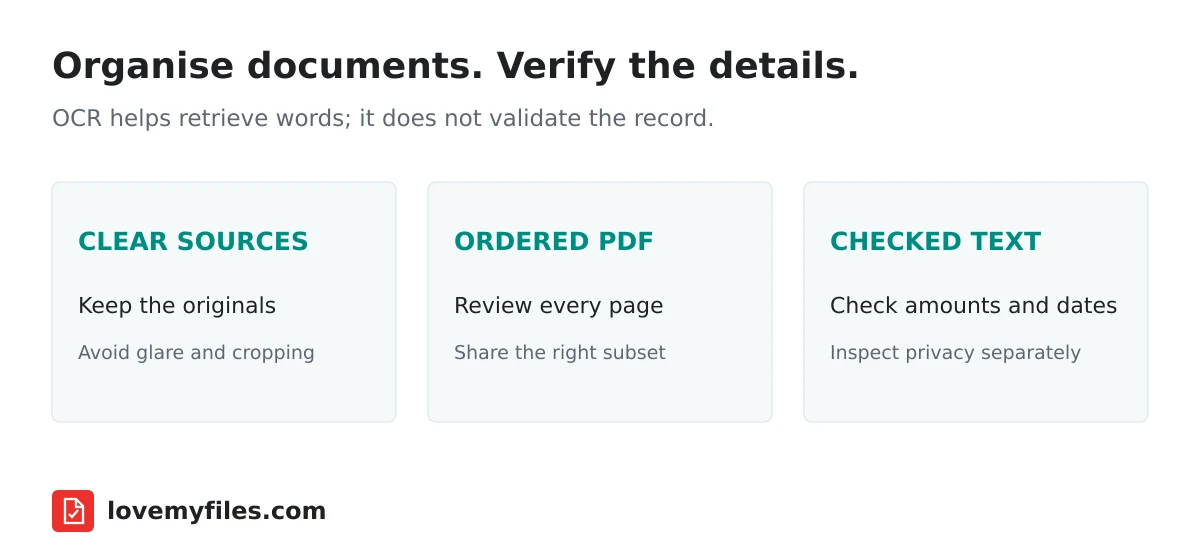
Preserve originals before reorganising
Keep the source photos and original PDFs in a separate folder. Give working copies clear names so you can tell which receipt or document they represent. Use a consistent date and description rather than relying on camera filenames alone.
Avoid overwriting the only original while trying different formats. A later dispute or correction may require looking back at the source image. LoveMyFiles can help transform files, but your record-keeping requirements determine which originals need to be retained.
Check whether the documents include information that should not be shared with the recipient, such as a personal address or an unrelated transaction. Selecting an appropriate subset is often more useful than merging an entire folder.
Improve readability at the source
Photograph a flat page in even light, with the camera facing it rather than looking from an angle. Make sure important edges and text are inside the picture. A blurred total or cropped date is difficult to recover through later processing.
Use Crop Image to remove irrelevant surroundings where useful, but do not crop away information needed to understand the record. Rotate Image can correct orientation; it does not reconstruct text hidden by glare or a fold.
Before making a large batch, prepare one representative image and inspect the export. A repeatable source-capture approach is better than applying many corrective operations to inconsistent photographs.
Build a reference PDF in a deliberate order
Use JPG to PDF for supported image inputs, or Merge PDF when the documents are already PDFs. The route name does not mean every possible camera format will be accepted; convert unsupported inputs through an appropriate existing image tool first.
Arrange the documents in the order the recipient expects. That might be chronological order or a group for one claim. Do not silently mix unrelated customers, trips or expense periods into one file merely because they were selected together.
Open the downloaded PDF and check the first page, last page and several pages in between. Confirm orientation, completeness and legibility. For later corrections, Organize PDF provides a separate page-management workflow.
Extract text only when it adds value
OCR PDF can help retrieve English text from scans through the current local recognition engine. Use the extracted text as a working aid, not as proof that an amount or identifier is correct. Its reading order may not reproduce the document's visual structure.
An invoice table needs row-by-row checking. The right digits associated with the wrong description can produce a misleading record. Compare totals, tax values and dates against the source before pasting them into another system.
The guide Cannot Copy Text from a PDF? explains when OCR is appropriate and when a better source is needed. A receipt archive does not need OCR simply to be visually readable; use it when searching or reusing text genuinely helps.
Reduce file weight without losing critical detail
Try Compress PDF if a receiving portal rejects the reference copy for size. Check the resulting numbers and fine print rather than judging success only by the percentage saved.
For image sources, Compress Image is a separate option. Avoid repeatedly compressing the same JPEG. Keep the original and work from a copy so quality losses do not accumulate across experiments.
A receiving portal may specify both bytes and format. Read its actual requirements and verify the downloaded file against them. Renaming a file extension is not conversion, and a smaller file is not useful if its text is unreadable.
Check sharing privacy and access
Inspect photo metadata when location information is unnecessary. Image Metadata can help review that layer, while visible addresses and account details require a separate content review. Metadata removal does not erase text appearing on the receipt.
Send the reference copy through a destination appropriate for its sensitivity. A QR or shortened public link is not an access-control system. If you distribute a link, confirm the destination's permissions independently rather than assuming an obscure address is private.
Keep a short record of the final filename, included documents and recipient. This makes it easier to answer a later question about a missing page without reconstructing the whole process from a downloads folder.
Does merging receipts verify the expense claim?
No. Merging organises pages; the underlying amounts, eligibility and documentation still require review.
Should I discard images after producing a PDF?
Keep originals according to your own record requirements. The converted PDF is a working or sharing copy, not automatically a substitute for every source.
Can OCR text be imported without checking?
Do not treat recognition as validation. Compare critical fields and table relationships with the original documents.
Try a related tool
Crop JPEG, PNG and WebP images to an exact rectangle or popular aspect ratio.
Crop ImageRelated Guides
Build an Event Sharing Kit with PDFs, Images, Short Links and QR
Prepare an event PDF, screen images, a managed link and a printable QR. Check privacy, file quality and the complete visitor journey before sharing.
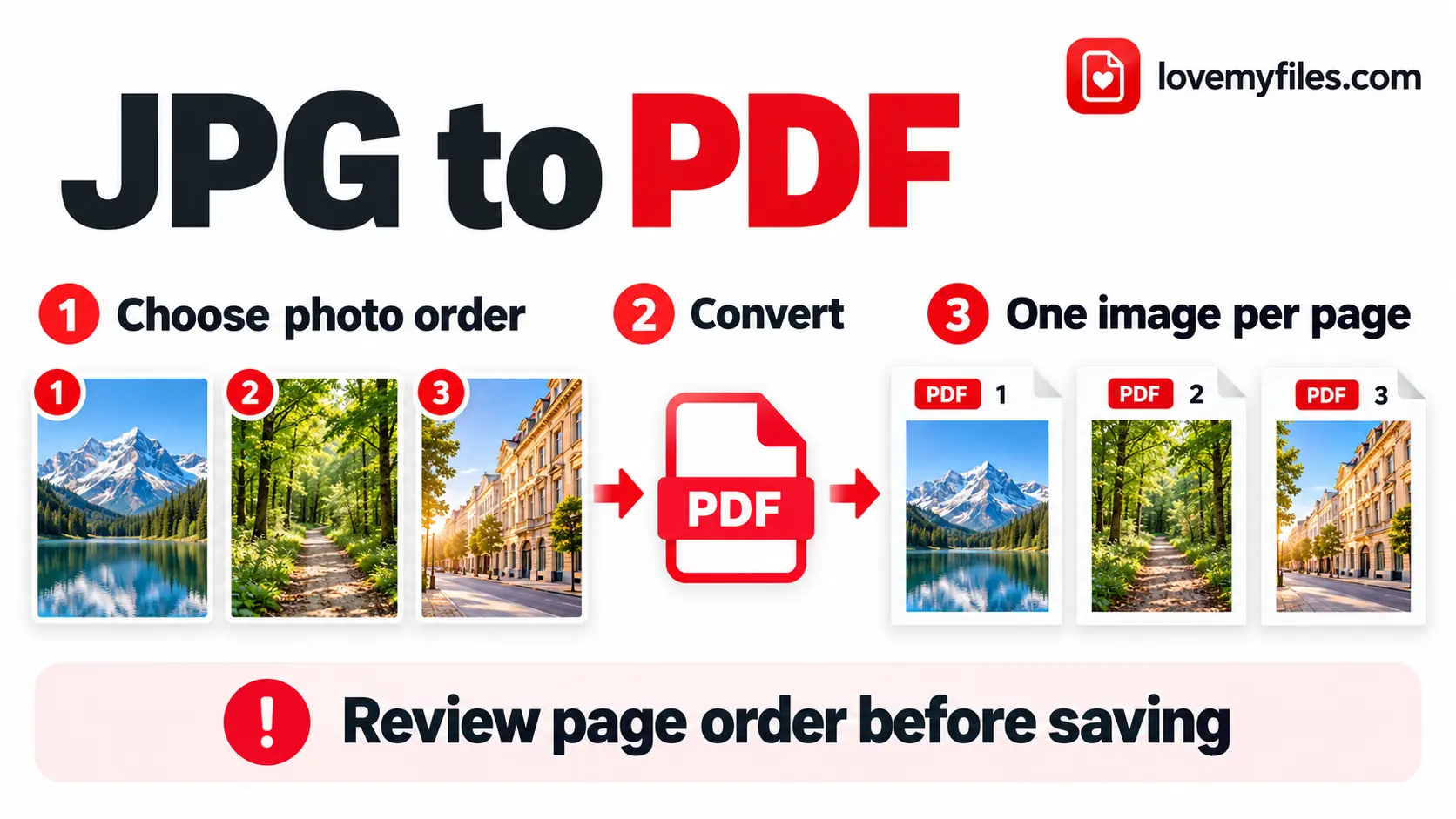
How to Convert Multiple JPGs to One PDF for Free
Combine JPG and PNG images into one PDF with LoveMyFiles.com. Set page order, size, orientation and margins, then check readability and upload size.
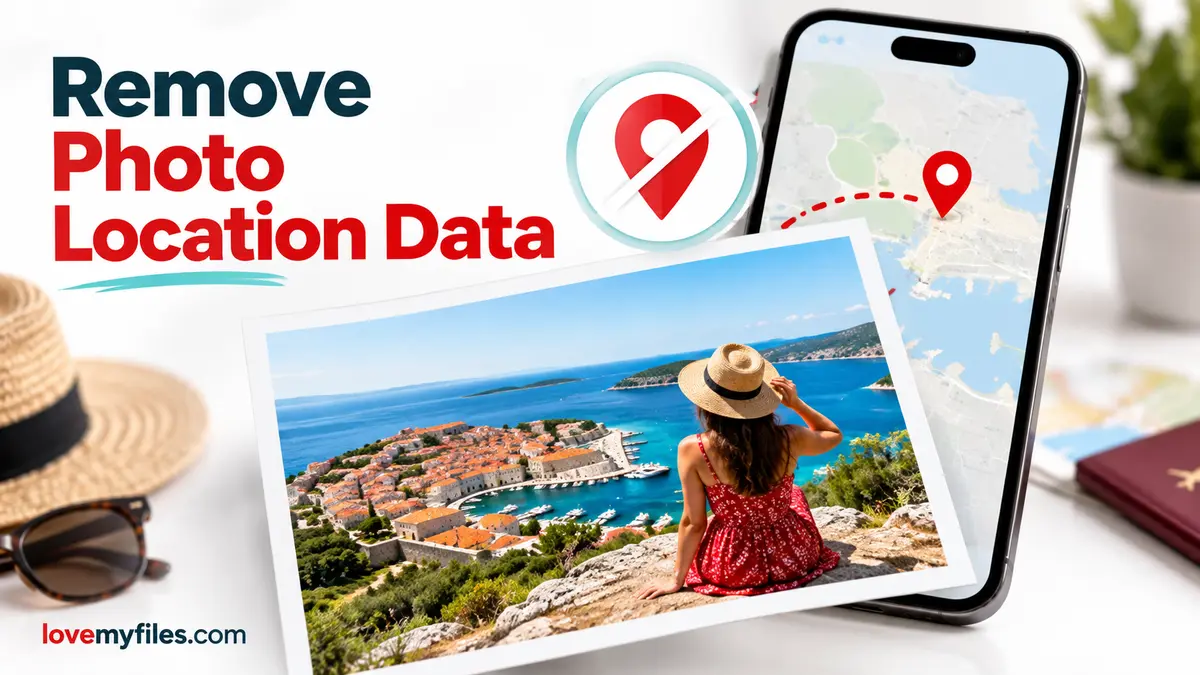
Remove GPS Location from a Photo Before Sharing
Inspect photo location fields, choose GPS or selected-category removal, and check the downloaded copy before sharing it.
Compress a Large Print JPEG for Sharing: Pixels, Size and Colour
Prepare a lighter sharing copy of large JPEG artwork. Understand pixel limits, colour conversion, target size and why you should keep the print master.